The Little Voice of Vista: How to Design Eye-catching YouTube Video Thumbnails
[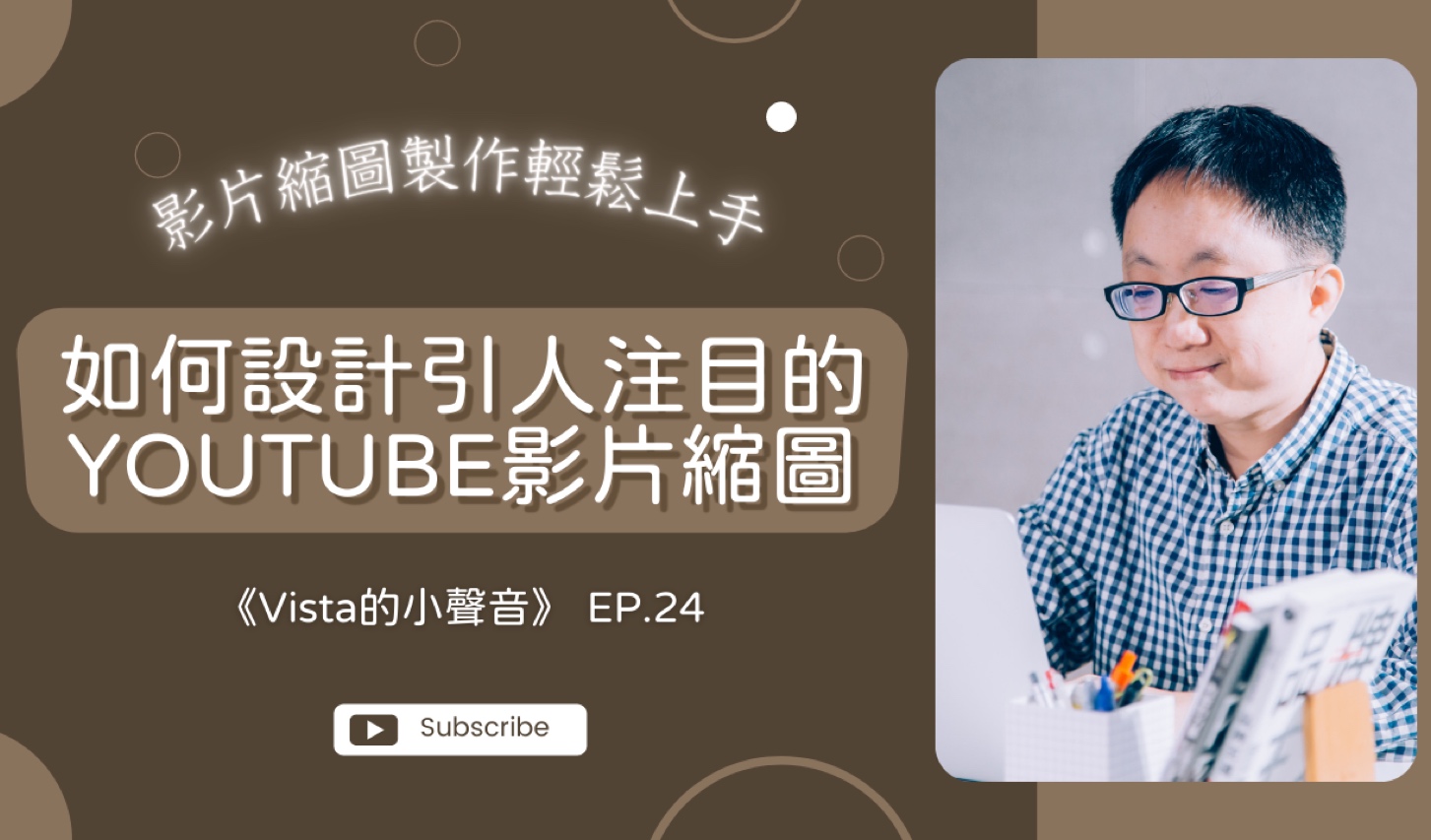
What is YouTube video thumbnail? To put it simply, the preview screen at the beginning of each YouTube video will appear in the user’s YouTube homepage updates or while browsing. The small thumbnail may not be eye-catching at first glance, but it is the first point of contact with everyone.
In other words, the task of YouTube video thumbnails is to try to attract netizens’ attention and clicks, and encourage viewers to watch more content. With some ingenuity and careful design, YouTube video thumbnails will become the best tool to promote your YouTube channel!
In today’s episode, I’ll share with you how to design an eye-catching YouTube video thumbnail in seven simple steps. If you are interested in increasing the click-through rate of your YouTube videos and making them more refreshing, welcome to watch this episode!
The larger the image size for custom thumbnails, the better. The embedded player will treat the custom thumbnail as a preview image. The recommended specifications for custom thumbnails are as follows:
- Resolution is 1280x720 (width is at least 640 pixels).
- Upload in image formats such as JPG, GIF or PNG.
- Size must not exceed 2 MB.
- It is recommended to use a 16:9 aspect ratio as it is most commonly used by the YouTube player and preview.
Step 1. Observe other people’s work: If you want to design an eye-catching YouTube video thumbnail, don’t do it behind closed doors! We can first refer to the work of others to gain inspiration or inspiration. YouTube is not only the world’s largest video and audio database, but also the second largest search engine, so before you start designing thumbnails, you can refer to other people’s works.
Step 2: Conceive the theme of the video: Think about the theme of your video? For example, if we are talking about Picture and Text Creation or Reading Club, then we should think carefully about how to design interesting thumbnails? What graphic elements should be included that people can immediately relate to?
Step 3. Plan the video title: It is very important to outline the most exciting and finishing title for the YouTube video thumbnail! I suggest that you combine SEO thinking to put some important keywords in the title in a timely manner.
Step 4: Insert personal elements: A good audio-visual work can help highlight [personal brand] (https://www.vistacheng.com/search?q=personal brand). Therefore, we can cleverly place some materials related to you in the YouTube video thumbnail. This can not only strengthen the connection between the video and you, but also attract the attention of netizens!
Step 5: Link related elements: Considering the theme of the video, you can insert some related image elements. For example, in the episode where I invited Teacher Penny to talk about graphic creation, I put a color palette in the YouTube video thumbnail so that people can understand the theme of the video at a glance!
Step 6. Insert program accessories: In addition to placing theme-related materials in the YouTube video thumbnail, I also recommend that you also insert program name, program episode number, welcome to subscribe and other information.
Step 7. View and adjust the thumbnail: When you reach step 7, your YouTube video thumbnail is complete! However, there is no rush to upload and publish it right now. I suggest you check the entire thumbnail first to see if there is anything missing? If there are any areas that are not complete or well-organized, it is recommended that you take some time to adjust them.
By the way, in addition to using image editing software like Photoshop to design YouTube video thumbnails, you can also use Canva, a set of convenient and easy-to-use online tools!
If you like the program “Vista’s Little Voice”, please subscribe to my YouTube channel! I look forward to you sharing this program and this article with more friends, thank you.
★ Welcome to sponsor a cup of coffee and cheer for Vista! You can also express your support by sponsoring multiple times, thank you.
★ Want to learn content marketing techniques? Welcome to register for the online course “[Content Power: The Super Power of Building Brands] (https://hahow.in/cr/content-power)”.

If you want to hear me share about [Personal Brand](https://www.vistacheng.com/search?q=Personal Brand), [Content Marketing](https://www.contenthacker.today/2019/07/content-marketing-from-zero-t o-hero.html), Copywriting or Reading Experience and other information, welcome to subscribe to “Vista Newsletter” for free! Thanks.
Further reading
- “Vista’s Little Voice”: Vista Reading 1/16/2022 - 1/22/2022
- “Vista’s Little Voice”: Have you started writing your “Achievements List”
- “Vista’s Little Voice”: Vista Reading 2/13/2022 - 2/19/2022